
Google Chrome browser is recommended to view the auction. If do not have the Chrome browser, please download, and log in through that browser.
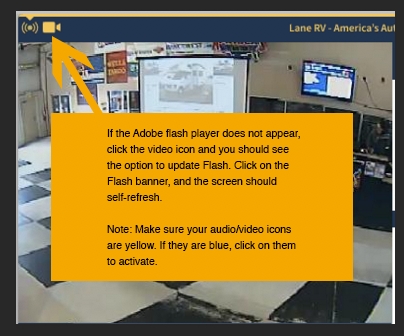
If the video display indicates Adobe Flash Player must be installed please click the option to "install". A new window will appear where you will need to select the option "allow".
The auction will begin when countdown clock reaches 0.
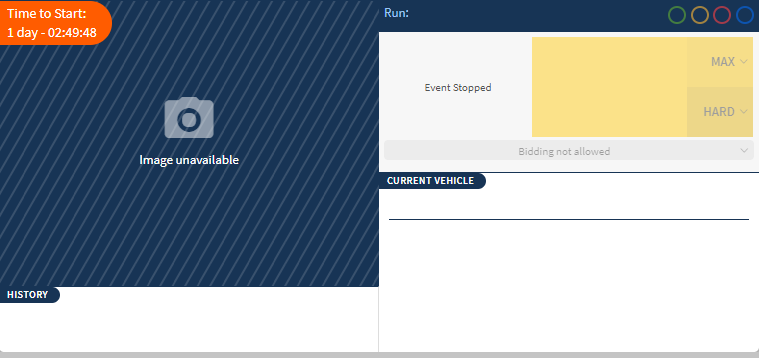
The controls for audio and video are located in the top left of your screen. If they are displayed in blue, they are not enabled. Click to enable.
If you need assistance, or if this does not resolve your issue, call our Online Support Desk to speak with a live rep: 855-469-7272 Ext 731.
Comments
0 comments
Please sign in to leave a comment.